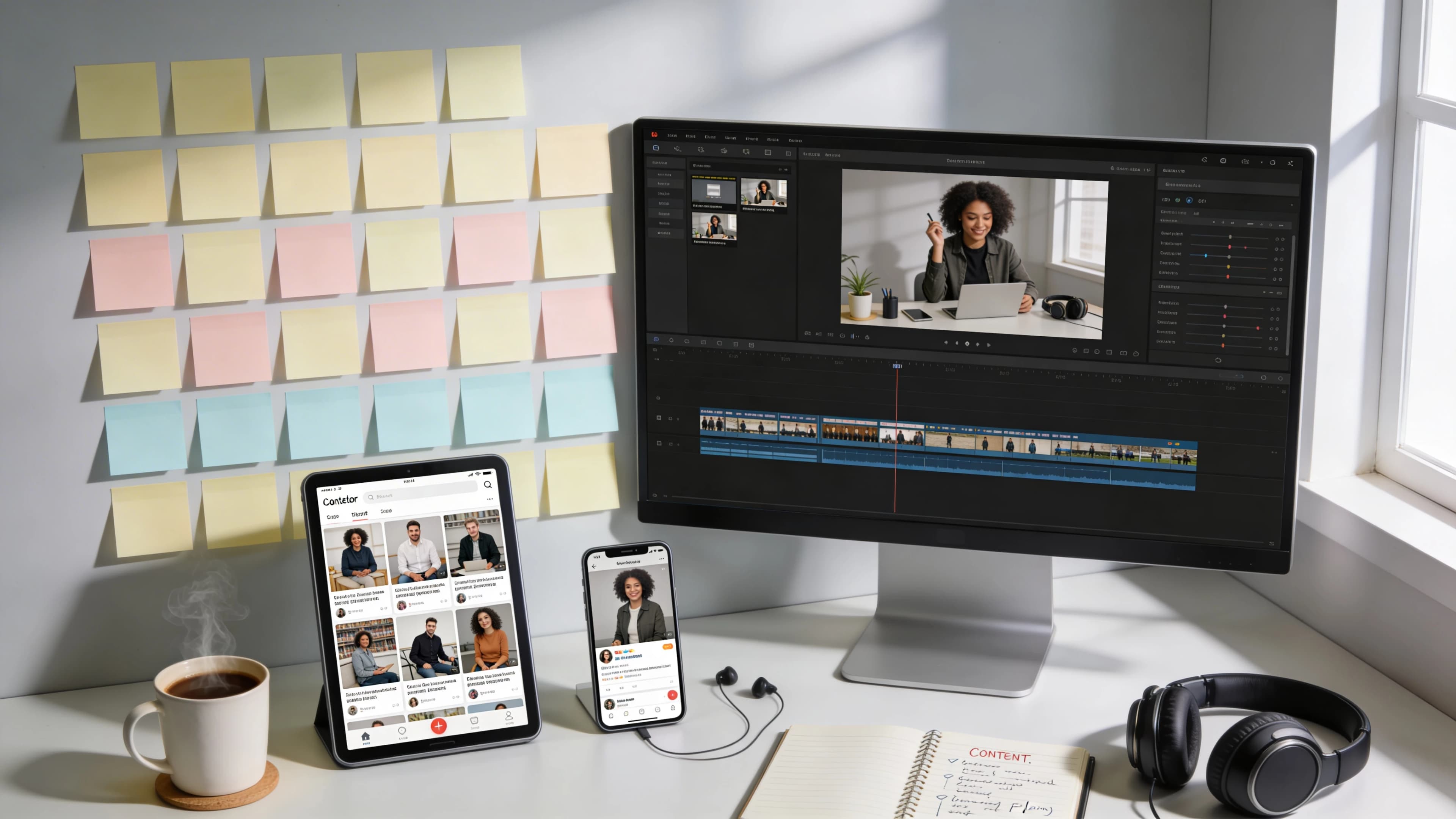
You Are Probably Creating Too Much Content From Scratch
The average marketer spends 3-5 hours creating a single piece of quality content. If you publish across five platforms, that is 15-25 hours per week producing content from blank pages. Most of that time is unnecessary.
91% of businesses use video as a marketing tool in 2026. But most teams create each piece of content independently, as if TikTok, LinkedIn, and email exist in separate universes. They do not. The person who watches your YouTube video is not the same person who reads your newsletter, and both of them are worth reaching. They just need the same idea in a different format.
Gary Vaynerchuk's team famously turned one keynote into 64 pieces of content. You do not need to go that far. 10 pieces from one video is practical, sustainable, and dramatically more efficient than starting from scratch every time. Here is the system for how to repurpose video content into a full-spectrum content operation.
The 10-Piece Framework: One Video, Ten Formats
Start with one source video (5-15 minutes, structured in clear segments). From that single piece, you produce 10 distinct content pieces. Each one stands alone. Each one is native to its platform.
Piece 1: The Full-Length Video
This is your anchor content. 5-15 minutes, published on YouTube, your website, or Vimeo. It is the master recording from which everything else flows.
Design it with repurposing in mind. Structure the content in clear segments with distinct topic transitions. These transitions become natural clip boundaries later. Think of each segment as a standalone mini-video that happens to be part of a longer whole.
Pieces 2-4: Three Short Clips (15-60 seconds each)
Pull the three strongest moments from the full video. A strong clip has a complete thought that works without any context from the full video. It could be a surprising insight, a practical tip, an emotional beat, or a contrarian take.
Optimize for vertical format (9:16) for TikTok, Instagram Reels, and YouTube Shorts. Add captions because most social video is watched without sound. The hook must land in the first second.
Each clip should feel like it was created specifically for the platform, not like a cropped excerpt from a longer video. This is the difference between repurposing and recycling. For techniques on writing hooks that stop the scroll, see the 3-second rule for video ad hooks.
Piece 5: Blog Post
Transcribe the video. Edit the transcript into a written article with headers, structure, and SEO optimization. This is not a word-for-word transcript posted as text. Spoken content reads differently than written content. Cut filler, add context that was visual in the video, restructure for scanning, and add internal links.
Embed the original video at the top of the post. Blog and SEO remains the #1 ROI-generating channel for marketers in 2026. A single transcription step doubles the SEO surface area of your video content by making it discoverable through text-based search.
Piece 6: Audio Podcast Episode
Strip the audio from the video. Clean it up (remove references to visual elements if necessary). Add a short branded intro and outro. Publish as a podcast episode on Spotify, Apple Podcasts, and YouTube Music.
Podcasts have 584 million listeners globally, on pace to pass 600 million by the end of 2026. YouTube reported 1 billion monthly podcast viewers in early 2025. This format reaches an entirely different audience: commuters, runners, cooks, and anyone who prefers audio to screen time.
Piece 7: Quote Graphics (3-5 images)
Pull 3-5 quotable statements from the video. Design them as static images with the quote, your name or brand logo, and a clean branded background. Publish on Instagram feed, LinkedIn feed, and Pinterest.
Quote graphics have a long shelf life. They get saved and shared more than video on certain platforms, and they keep your brand visible on days when you do not have new video to post.
Piece 8: Email Newsletter
Write a 200-300 word email summarizing the key takeaway from the video. Include a thumbnail with a play button linking to the full video. 33% of people say email is the channel that most inspires action. Your video content should feed your email strategy, not exist separately from it.
Piece 9: Carousel Post
Distill 5-8 key points from the video into a carousel format, one point per slide. This format works exceptionally well on LinkedIn (where carousels consistently outperform single-image posts) and Instagram (where the swipe mechanic increases engagement time).
Each slide should contain one idea, presented visually and concisely. Think of it as the video's argument, laid out as a series of index cards.
Piece 10: Story Teaser (3-5 seconds)
A 3-5 second preview clip designed for Instagram, Facebook, or LinkedIn Stories. Its only purpose is to drive traffic to the full video. Use the single most attention-grabbing moment from the source video. Add a "Watch Full Video" call to action with a swipe-up or link sticker.
Repurpose-First Creation: Design the Source Video for Maximum Output
Most repurposing problems start at creation. If the original video is one long, unstructured conversation, extracting clean clips is painful. If the subject is framed for landscape, cropping to vertical cuts off their face. If there are no standalone moments, every clip needs context the viewer does not have.
Frame for crop. Shoot or create in 16:9 (landscape) but keep the subject centered so the frame can be cropped to 9:16 (vertical) without losing anything important. This one decision saves hours of reframing later.
Structure in segments. Clear topic transitions create natural clip boundaries. When you change subjects, pause briefly. That pause becomes a clean cut point.
Plant quotable moments. Deliberately include 3-5 concise, standalone statements that work without surrounding context. These become your short clips and quote graphics.
Record timestamps. Note when key moments happen during production so you (or your editor) can find them quickly instead of scrubbing through the full video.
Tools like yume are useful here because they produce videos in modular shots. Each shot is a self-contained visual moment that can be extracted independently. The platform supports any resolution and aspect ratio, so you can create the vertical clip and the horizontal version from the same source material without re-editing.
Platform-Specific Optimization (Not Just Reformatting)
Repurposing fails when every derivative feels like a lower-quality version of the original. Each piece should feel native to its platform, not like scraps from the master video.
TikTok: Raw, fast, hook-driven. Captions mandatory. 15-30 seconds optimal. The aesthetic should feel spontaneous, even if it is carefully edited. See where to post in 2026: TikTok vs. Reels vs. Shorts.
Instagram Reels: Slightly more polished than TikTok. 15-60 seconds. Strong visual opening. The audience expects higher production quality on Instagram than TikTok.
YouTube Shorts: Under 60 seconds. The advantage here is that Shorts can drive subscriptions to your main channel, creating a flywheel from short clips to long-form viewership.
LinkedIn: Professional angle. Can be horizontal. 30-90 seconds. The tone should be more measured and insight-driven. See LinkedIn video strategy in 2026.
Blog: Long-form, SEO-optimized, embedded video. Headers, bullet points, and scannable structure. See optimal video length for every platform for detailed length recommendations.
The Time Math: Why Repurposing Is the Highest-ROI Content Activity
Here is the practical comparison.
| Approach | Time Investment | Content Output |
|---|---|---|
| 10 pieces from scratch | 30-50 hours | 10 pieces |
| 1 video + repurposing system | 5-8 hours | 10 pieces |
| 1 AI-created video + repurposing | 3-5 hours | 10 pieces |
Creating 10 separate pieces of content from scratch costs 30-50 hours. Creating one source video and repurposing it into 10 pieces costs 5-8 hours. If you use an AI tool like yume to create the source video in minutes instead of hours, the total drops to 3-5 hours for all 10 pieces.
93% of marketers say video delivers solid ROI. 82% report strong returns. Repurposing multiplies that ROI by expanding reach without proportionally increasing cost. The marketers seeing the highest returns are not the ones creating the most content. They are the ones distributing the same ideas further. For a broader view of what video content your business should prioritize, see the 5 videos every small business should have on their website.
Frequently Asked Questions
How do I repurpose a video for social media?
Pull 3-4 of the strongest moments (15-60 seconds each) and optimize them for vertical format (9:16). Add captions since most social video is watched without sound. Each clip should contain a complete thought that stands alone without context from the full video. Post natively on each platform rather than sharing links, since native uploads consistently outperform external links in algorithmic reach.
How many pieces of content can I get from one video?
A well-structured 5-15 minute video can produce 10 or more pieces: the original video, 3-4 short clips, a blog post, a podcast episode, quote graphics, an email newsletter, a carousel post, and story teasers. Gary Vaynerchuk's team has extracted 64 pieces from a single keynote, though 10 is a more practical and sustainable target for most teams.
Should I repurpose the same video across all platforms?
Repurpose the same ideas, but adapt the format for each platform. A clip that works on TikTok (raw, fast, vertical) will not perform the same on LinkedIn (professional, can be horizontal, longer). The content stays the same. The packaging changes. This is not reformatting; it is adapting tone, length, and visual style to match each platform's audience expectations.
What tools can I use to repurpose video content?
For creating the source video: yume (AI-powered, minutes to produce, modular shots for easy extraction). For transcription: Descript or Otter.ai. For auto-clipping: Opus Clip or Vidyo.ai. For design (quote cards, carousels): Canva. For multi-platform distribution: Repurpose.io. Start with the source video and a clipping tool, then add more as your system matures.
References
- DemandSage - 93 Video Marketing Statistics 2026
- Sprout Social - Social Media Video Statistics 2026
- HubSpot - 2026 Marketing Statistics
- Vista Social - Repurposing Content for Social Media
- NewZenler - Content Repurposing System 2026
- Podbean - Video Podcasting Statistics 2026
- Podcast.co - Podcasting Trends 2026
- Typeface - Content Marketing Statistics 2026