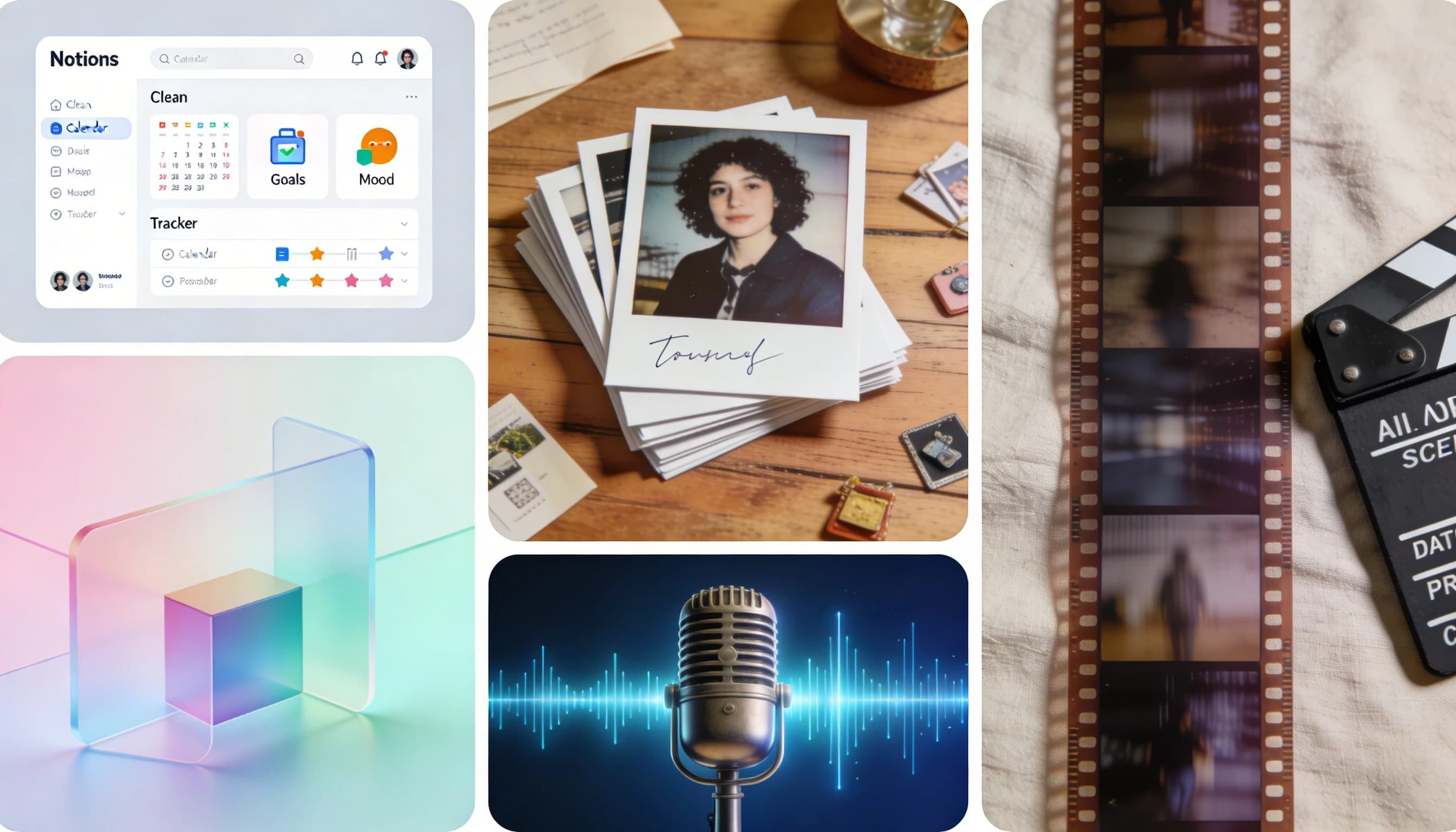
You made a vision board in January. You felt great about it. By Valentine's Day it had blended into the wall. Sound about right? You are in large company. 80% of people abandon their New Year's resolutions by February, and vision boards tend to follow the same arc.
The thing is, the goals were probably fine. The format was the problem. Every "vision board ideas" article gives you new things to stick on a poster. This article takes a different approach: five completely different ways to build a vision board for 2026, each suited to a different type of person. Four are free. The fifth costs less than lunch.
Why the Format Matters More Than What You Put On It
You do not need a neuroscience degree to understand this. The short version: research from UCLA (Pham & Taylor, 1999) found that visualizing the process of working toward a goal outperforms visualizing the outcome. Neuroscientist Dr. Tara Swart's work on "value tagging" shows the brain assigns higher priority to images you see repeatedly. And multi-sensory input (seeing something plus hearing it) creates stronger memory encoding than a single sense alone.
People who write down their goals are 42% more likely to achieve them (Dr. Gail Matthews, Dominican University). After 3 days, we retain roughly 65% of visual information versus 10-20% of what we read or hear. The format of your vision board determines whether you actually engage with it daily or let it fade into furniture. For a deeper look at the science, see our companion piece: How to Make a Vision Board That Actually Works.
1. The Notion Life Dashboard (A Digital Vision Board That Does Something)
Most vision boards are passive. You look at them, and that is the end of the interaction. A Notion life dashboard flips that. It is a vision board reimagined as an interactive workspace: gallery views with embedded images, linked habit trackers, progress bars, and connected databases. Your board lives inside the tool you already use to plan your week.
The reason this works is that you actually touch it. You click into it, update your progress, check things off. The board changes as you change. That ongoing interaction prevents the habituation problem where your brain stops registering something it sees in the same spot every day.
Writing your goals in Notion also taps into the Matthews finding mentioned above. The act of typing out your goals forces you to articulate them clearly.
Notion offers 7+ free vision board templates on its marketplace, including "The Vision Board Dashboard" that connects goals to daily planners. You can be set up in an hour.
Best for: analytical thinkers, planners, and anyone who already lives in productivity tools. If you love a good spreadsheet, this is your board.
2. The Quarterly Photo Journal (Document Progress, Not Fantasies)
Here is a format that costs nothing and requires no apps. Instead of one static board for the whole year, take a photo every week that represents progress toward your goals. Compile them quarterly into a visual journal. A physical photo book works. So does a Google Photos album or a dedicated folder on your phone.
This approach captures the process, which is exactly what the Pham and Taylor research supports. You are photographing yourself doing the work, not pinning a stock photo of someone else's results. Over 90 days, you build temporal evidence of change. That is more motivating than any collage of aspirations, because it is real.
There is a built-in accountability mechanism too. Each week you are creating evidence of effort. Miss a week and the gap is visible.
Cadence: one photo per week minimum, compiled every 90 days. The 90-day sprint maps naturally to quarterly goal reviews and gives you enough runway to see actual progress while staying short enough to maintain momentum.
Best for: people who find traditional vision boards too disconnected from reality. Fitness-focused goal setters already know this format through progress photos. This is the same concept applied to every other goal.
3. The AI-Generated Image Board (Better Than Stock Photos)
If you were on social media in early January, you probably saw the Gemini AI vision board trend. The prompt went viral around January 2, 2026: describe your goals and Gemini generates hand-drawn doodle-style images on "lined notebook paper" with "cross-hatching" and "bright yellow highlighter" accents. The aesthetic made AI output feel like a page from your own sketchbook, not a corporate asset.
The broader idea is straightforward. Instead of searching for generic stock photos on Pinterest, describe what you actually want and let AI create images that match your specific goals. A stock photo of "someone meditating on a cliff" does not carry the same weight as an AI image of the specific scene you have in your head.
The act of writing the prompt also forces specificity. You cannot type "be more successful" and get anything useful back. You have to describe what success looks like for you.
A few tools to try:
- Gemini (free) is the one that started the trend
- Canva Magic Studio (free tier / $14.99/mo) if you already use Canva for other things
- Venngage (free tier) for typing goals and letting AI handle the layout
- Adobe Firefly (Adobe subscription) for creatives who want fine control
Canva reported 13% year-over-year growth in vision board creations during 2025, with a 90% increase in DIY and scrapbook-style searches generating over 1 million impressions. The appetite for this format is clearly growing.
One honest limitation: all of these tools produce static images. They solve the personalization problem (your goals, not stock photos) but they do not solve the habituation problem. It is still a flat image you will eventually stop noticing. The next two ideas address that.
Best for: visual thinkers who want a Pinterest-style board but more personal. People who saw the Gemini trend and want to try it themselves.
4. The Voice Memo Vision Board (No Images Required)
This is the one most people have never considered. Open the voice recorder on your phone. Spend five minutes describing your ideal year, your goals, and how you will feel when you hit them. Save it. Listen to it during your commute, your morning routine, or before bed.
Speaking goals aloud engages different cognitive pathways than looking at images. Research on self-talk (Latinjak et al., 2023) shows that overt self-talk, actually saying something out loud rather than just thinking it, is more effective at improving performance because it engages auditory feedback loops on top of the thought itself.
An audio vision board also solves the wallpaper blindness problem completely. You press play, you listen. It requires your attention in a way a poster on the wall never will after the first week.
And there is a specificity bonus. You cannot mumble "be more successful" into a phone and feel like you accomplished something. Speaking forces you to say what that means, concretely, in your own words.
If a full recording feels like too much, try a simpler version: build a playlist of songs that represent each goal. A "musical mantra" that refocuses you on your intentions every time you press play.
Cost: free. You already own a phone with a voice recorder.
Best for: people who think in words more than images. Commuters. Podcast listeners. Anyone who finds visual boards too passive but is perfectly comfortable talking to their phone.
5. The AI Video Vision Board (Your Goals as a Short Film)
Take the visual aspect of an image board and combine it with the audio engagement of a voice memo. That is a video vision board: a short cinematic film with visuals, narration, and music that tells the story of your goals.
Watching a 45-second film of your future is a fundamentally different experience than glancing at a collage. Video engages sight, sound, and narrative simultaneously. Mirror neurons fire when watching actions on screen, meaning your brain processes what it sees almost as if it were real experience. And because a video has a defined length, you actively watch it. You cannot passively ignore it the way you can with a poster.
The format also fits naturally into routines you already have. Morning coffee. Five minutes before sleep. No wall space needed, no app to open and stare at.
The obvious barrier used to be production. Making a video vision board meant filming yourself, sourcing footage, editing in iMovie, finding royalty-free music, and recording narration. Most people will not do that. AI has removed that barrier.
Two paths to try it:
| Method | Time | Skill Required | Output | Cost |
|---|---|---|---|---|
| DIY (phone + iMovie/CapCut) | 2-5 hours | Basic video editing | Amateur but personal | Free |
| Freelancer (Fiverr/Upwork) | 3-7 day turnaround | None (outsourced) | Variable quality | $50-200 |
| yume Vision Board template | ~10 minutes | None | Cinematic (AI visuals, voiceover, music) | EUR 19 |
The DIY path is solid if you enjoy editing. Record clips on your phone, add a song that puts you in the right headspace, stitch it together. It will feel personal because it is.
If you would rather skip the editing entirely, tools like yume let you describe your goals in text and receive a cinematic video in your inbox in about 10 minutes. The output includes AI-generated visuals, a narrated voiceover, and original background music. It costs EUR 19 and includes 15 free shot edits so you can refine it until it matches what you had in mind. No account setup, 23 languages supported. If you want to explore more AI video tools across categories, we have a comparison of tools for creating launch videos.
Best for: anyone who responds to storytelling. People who find static boards boring. Career-focused individuals who want to see their trajectory as a narrative. Anyone who consumes short-form video daily and would naturally engage with a 45-second personal film.
Which Vision Board Format Is Right for You?
| Format | Best For | Cost | Time to Create | Engagement Type |
|---|---|---|---|---|
| Notion Life Dashboard | Planners and system thinkers | Free | 1-2 hours | Interactive (click, update, track) |
| Quarterly Photo Journal | Process-oriented, fitness-focused | Free | 5 min/week | Reflective (document progress) |
| AI-Generated Image Board | Visual thinkers, Gemini trend fans | Free | 15-30 min | Passive (look at it) |
| Voice Memo Vision Board | Verbal processors, commuters | Free | 5-10 min | Active (listen intentionally) |
| AI Video Vision Board | Storytellers, career-focused | EUR 19 (yume) or free (DIY) | 10 min (yume) or 2-5 hrs (DIY) | Immersive (watch and feel) |
There is no wrong answer here. You could even combine formats. Use the Notion dashboard for tracking and the video for daily motivation. The point is that a vision board in 2026 does not have to be a collage. Pick the format that matches how you already engage with content, and you will actually use it.
FAQ
What are creative alternatives to a traditional vision board? Five formats go beyond the standard collage: a Notion life dashboard that connects goals to daily habits, a quarterly photo journal that documents real progress, an AI-generated image board using tools like Gemini or Canva, a voice memo you record and replay during your commute, and a video vision board that turns your goals into a short film with narration and music. Each uses a different sense and engagement style.
How do I make a digital vision board that I will actually use? Choose a format that fits how you already consume content. If you live in productivity tools, build it in Notion. If you listen to podcasts on your commute, record a voice memo. If you watch short videos daily, create a video vision board. The key is placing your board where you will encounter it naturally, not on a wall you stop noticing after two weeks.
Can AI help me create a vision board? Yes. Google's Gemini went viral in early 2026 for generating personalized doodle-style vision boards from text prompts. Canva, Venngage, and Adobe Firefly also offer AI image generation. For video, tools like yume generate a narrated cinematic vision board from a text description of your goals.
What is a video vision board and how do I make one? A video vision board is a short film that visualizes your goals with images, narration, and music. You can make one yourself using phone footage and a video editor like iMovie (expect 2-5 hours), or use an AI tool like yume that generates a cinematic version from a text description in about 10 minutes for EUR 19.
How often should I update my vision board? Quarterly works well. The 90-day cycle is long enough to see real progress but short enough to keep you engaged. If you are using a Notion dashboard, update it whenever your priorities shift. For a video vision board, yume includes 15 free shot edits so you can refine or update the video as your goals evolve.
If the video format sounds like your thing, you can try yume's Vision Board template and have a finished video in your inbox in about 10 minutes.
References
- yume - AI video vision board tool
- Notion Template Marketplace - Free vision board templates
- Canva Newsroom - Vision board creation growth data
- Analytics Insight - Gemini AI vision board trend coverage
- Dominican University (Dr. Gail Matthews) - Goal-writing effectiveness study
- ABC Columbia - Resolution abandonment rates
- Shift eLearning - Visual retention research
- NCBI - Mirror neuron research
- Sage Journals (Latinjak et al., 2023) - Self-talk interdisciplinary review